MacOS 新机开发环境配置
最近重装系统,记录一下新系统配置流程
大部分软件都需要从需要通过Homebrew安装,鉴于糟糕的网络情况:( 需要在 iCloud 备份一个 Clash 安装包或通过非国区 App Store 安装 Shadowrocket,
Turn on iCloud Drive Sync
-> System Settings -> Apple Account -> iCloud -> Drive. turned on Sync this Mac and Desktop & Documents Folders
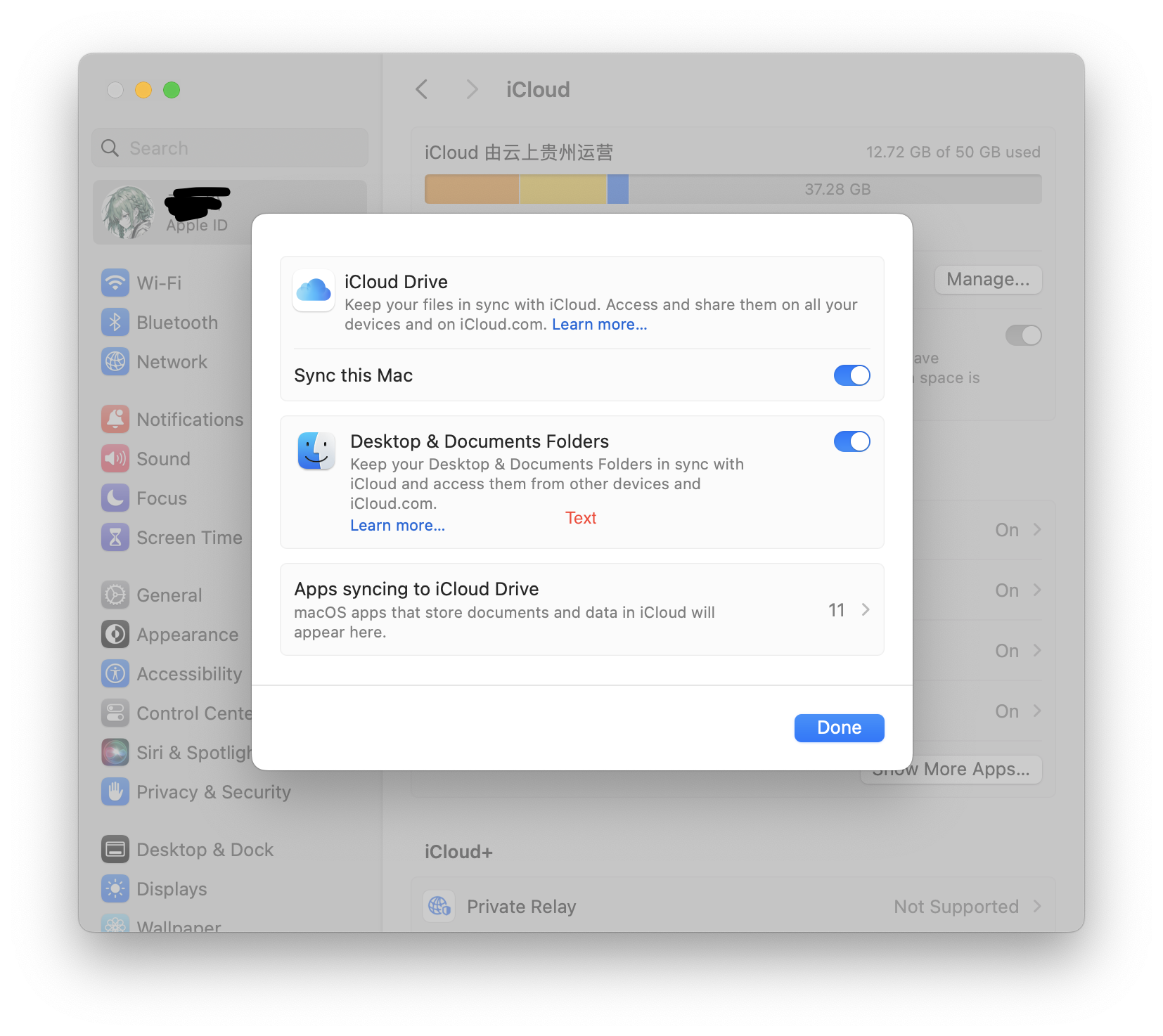
打开 iCloud 等待 Clash 安装包同步,修改鼠标/触控板速度,方便后续操作
安装完成后给终端配置代理,安装 Homebrew
sh
/bin/bash -c "$(curl -fsSL https://raw.githubusercontent.com/Homebrew/install/HEAD/install.sh)"命令行配置
- 同步配置文件
sh
git clone https://github.com/x39x/dotfiles ~/.dotfiles
cd ~/.dotfiles && make- brew
py
brew bundle --file="~/.dotfile/Brewfile"编程环境配置
txt
node@lts uv golang rust- 参考: Rust 安装与环境变量配置
- 参考: Mac Node 环境配置
- 参考: Python 虚拟环境配置
- 参考: Goalng 常用命令与环境配置
App
大部分通过 brew 安装
Downie 4
视频下载(bilibili&YouTube),付费:(
Bob
翻译软件,支持 OCR 翻译,App Store 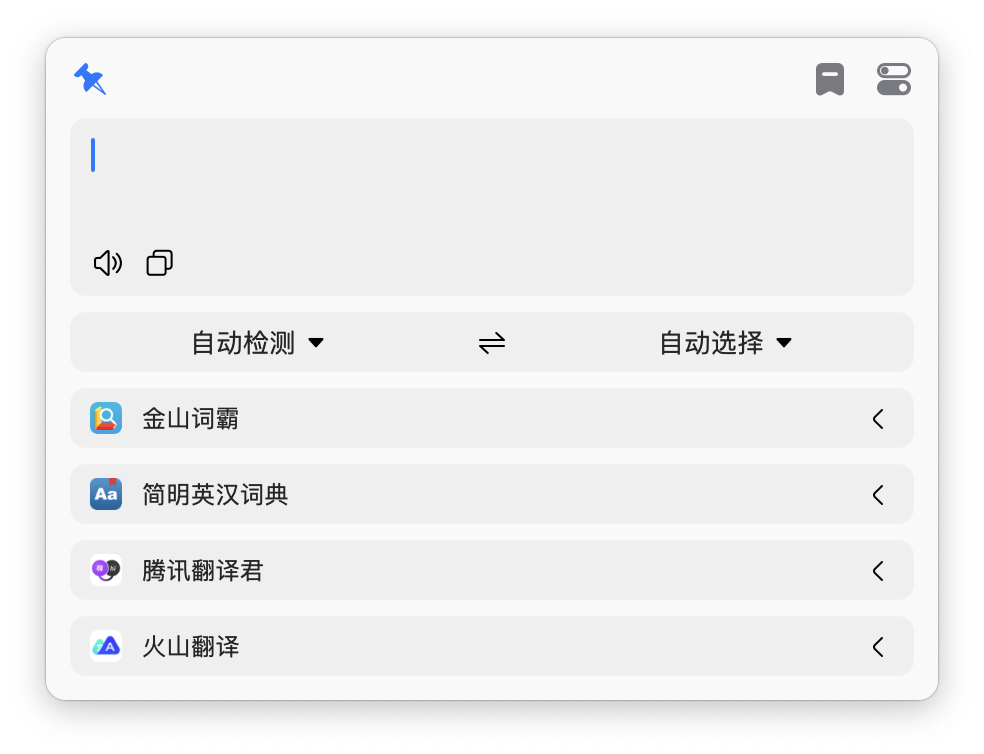
Craft Doc
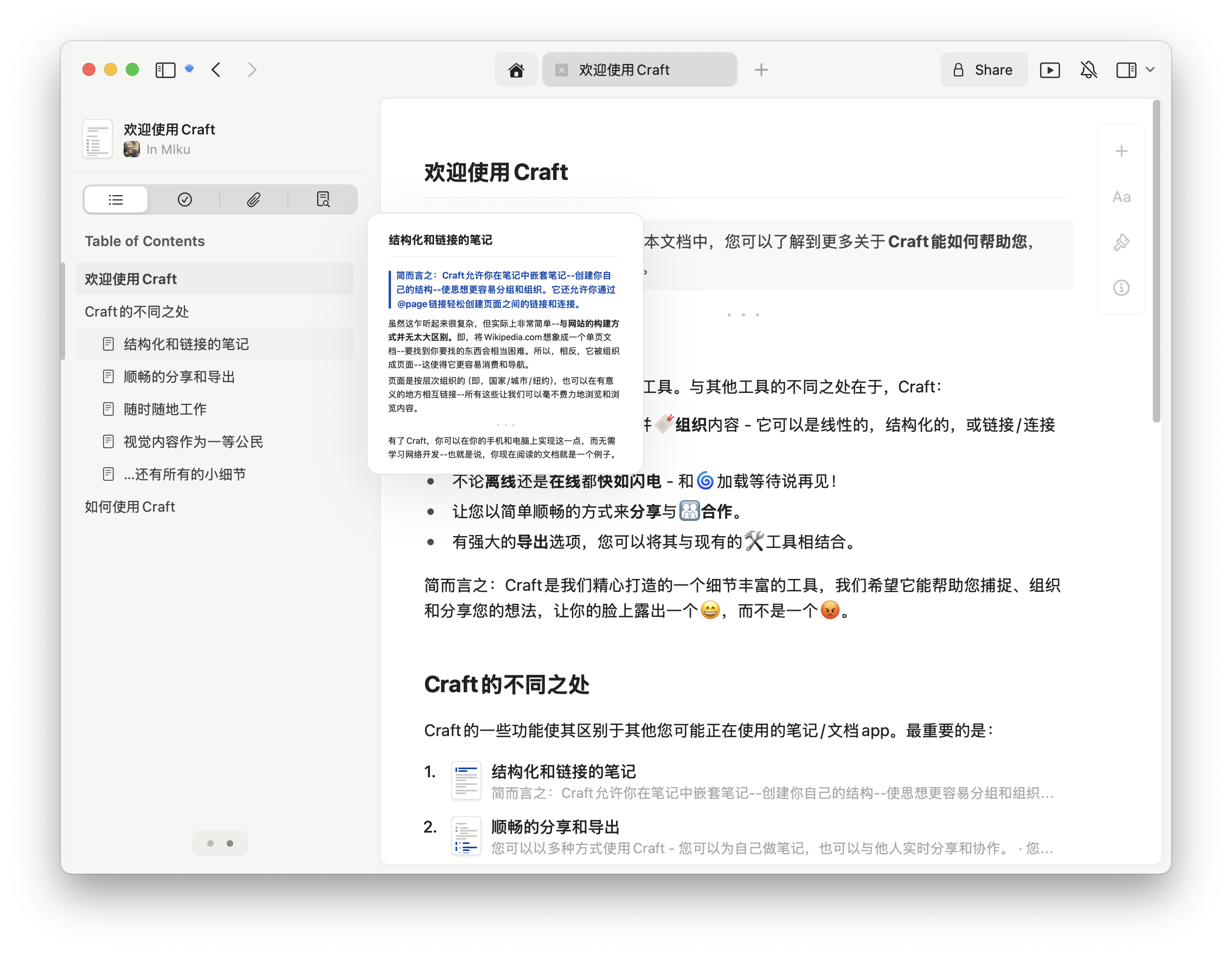
笔记,App Store
ublock origin lite
Safari 广告屏蔽插件
系统设置
Finder 设置
- choose Finder
->Settings->Advancedion
- [x] Show all filename extensions
- [ ] Show warning before changing an extension
- [ ] Show warning before removing from iCloud Drive
- 更改 New window 默认打开文件
choose Finder -> Settings -> General -> New Finder windows show: Downloads
- 调整 sidebar 显示文件夹
关闭桌面切换动画
系统设置 –> 辅助功能 –> 显示 –> 减弱用户界面的动态效果:打开
关闭触发角
系统设置 –> Desktop & Dock –> 最下方 –> Hot Corners
Keyboard
- 系统设置
->Keyboard->关闭dictation快捷键 - 系统设置
->Keyboard Shortcuts->修改 Screenshot 快捷键 - 系统设置
->Keyboard Shortcuts->修改 Mission Control 快捷键 - Keyboard Press and hold
bash
defaults write NSGlobalDomain ApplePressAndHoldEnabled -bool false加快切屏速度
sh
defaults write com.apple.dock workspaces‐edge‐delay 0;killall Dock
defaults delete com.apple.dock workspaces‐edge‐delay;killall Dock # 恢复默认
更改截图默认储存位置
同时按下 Command - Shift - 5 会弹出截屏选取框和相关设定,点击下方的“选项”按钮,选择其他位置
Safari
Advanced -> Show features for web developers
账号与安全
打开 find my(开启位置服务)、登陆 google账号、验证常用邮箱